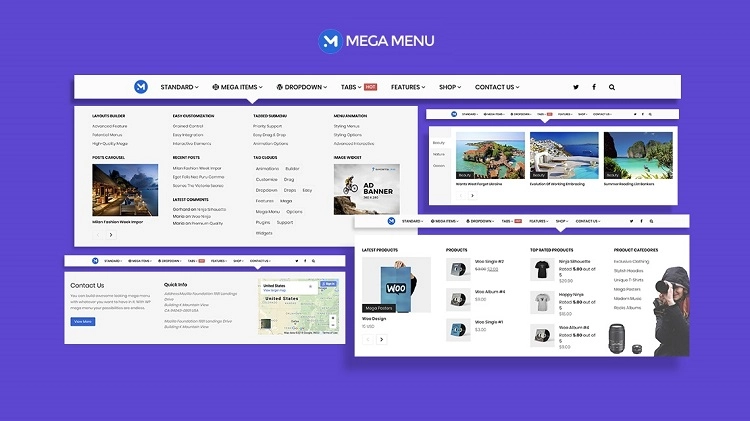
A well-designed mega menu can transform the navigation of your WordPress site, turning cluttered menus into clear, user-friendly gateways. Mega menus improve usability by organizing large amounts of content in an intuitive, visually appealing way. Choosing the right plugin can save you hours of development time and ensure a seamless experience across all devices.
This guide reviews the top mega menu plugins available for WordPress, balancing ease of use, customization options, and performance. Whether you want a simple drag-and-drop interface or an advanced tool with deep page builder integration, these plugins offer solutions that fit a wide range of sites and skill levels.
What to Look for in a Mega Menu WordPress Plugin
Selecting the ideal mega menu plugin requires evaluating key features that impact both user experience and site management:
- Ease of Use: Intuitive drag-and-drop builders or live previews streamline menu creation.
- Responsiveness: Menus should adapt flawlessly to mobile and tablet screens.
- Customization Options: Ability to style fonts, colors, layouts, and add widgets or icons.
- Compatibility: Works well with your WordPress theme, page builders, and multilingual plugins.
- Performance: Minimal impact on page load speed and smooth animations.
- Advanced Features: Support for visibility rules, keyboard navigation, and eCommerce integrations.
Finding a plugin that balances these qualities ensures your navigation enhances site usability without adding technical headaches.
6 Best Mega Menu WordPress Plugins
1. UberMenu
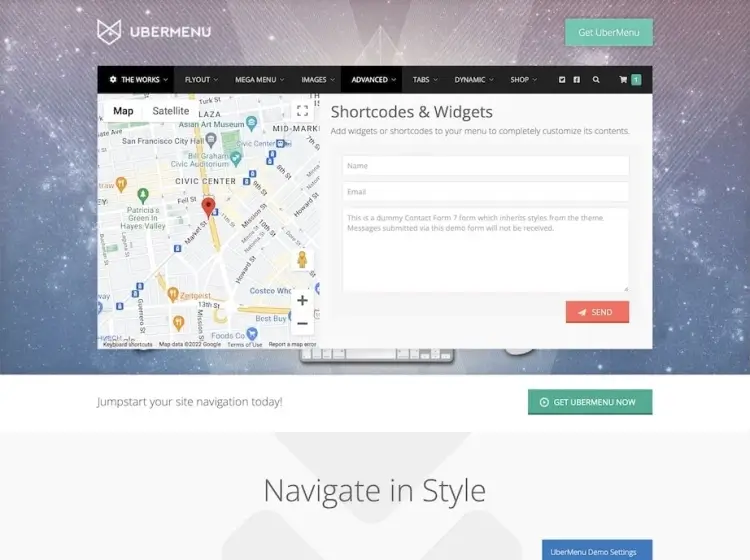
UberMenu is one of the most comprehensive and polished WordPress mega menu plugins available today. It includes responsive flyout menus that work seamlessly across devices, giving users a consistent and intuitive navigation experience. With real-time live preview capabilities, it allows you to tweak fonts, background colors, layouts, and widget placements on the fly—without switching tabs or reloading the page.
With over 88,800 sales and a strong 4.6/5 rating, UberMenu has earned its place among the top-tier premium plugins. It’s also compatible with popular translation tools like WPML, making it an excellent option for multilingual sites. The well-documented codebase and robust support system ensure a smooth user experience even for those new to WordPress.
For $29, UberMenu provides an enterprise-grade navigation upgrade that will immediately improve the user experience and aesthetic appeal of your site. If you’re looking for a premium mega menu that adapts to your design vision while improving site structure, UberMenu offers the performance and flexibility you need.
UberMenu features:
- Responsive flyout menus compatible with all devices
- Real-time live preview for fonts, colors, and layouts
- Widget-ready menu areas for enhanced functionality
- Compatibility with WPML and popular translation plugins
- Well-documented and supported for ease of use
2. Groovy Mega Menu (Pro)
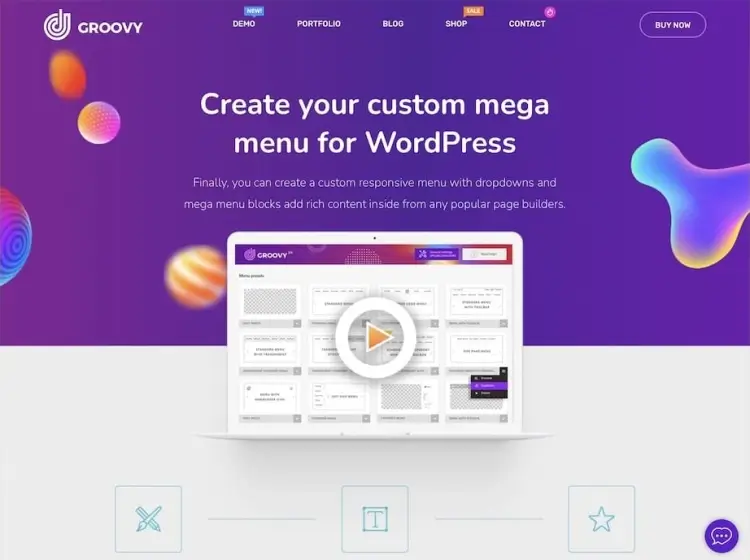
Groovy Mega Menu offers premium-level customization with deep integration into popular page builders such as Elementor, Avada, and Divi. This compatibility empowers users to design navigation that blends seamlessly with the rest of their website. Beyond visual customization, Groovy includes a comprehensive library of pre-designed templates, icons, and fonts to dramatically speed up development.
Its powerful visibility rules set Groovy apart, letting you control exactly who sees what on your site’s menu. Whether you’re running a membership platform, eCommerce store, or a content hub, you can tailor navigation to each user group. With a 4.7/5 rating from over 6,100 sales, the plugin also provides extensive documentation to guide both beginners and advanced users.
At $39, Groovy is a smart investment for developers who need both flexibility and power. The combination of intuitive design tools, page builder support, and user-level visibility controls makes it ideal for dynamic, content-rich WordPress sites.
Groovy Mega Menu features:
- Deep integration with Elementor, Avada, Divi, and other builders
- Extensive pre-designed templates, fonts, and icon libraries
- Advanced visibility rules for user-level menu control
- Drag-and-drop editor with customizable layouts and styles
- Compatibility with WooCommerce and membership plugins
3. Groovy Mega Menu (Free)
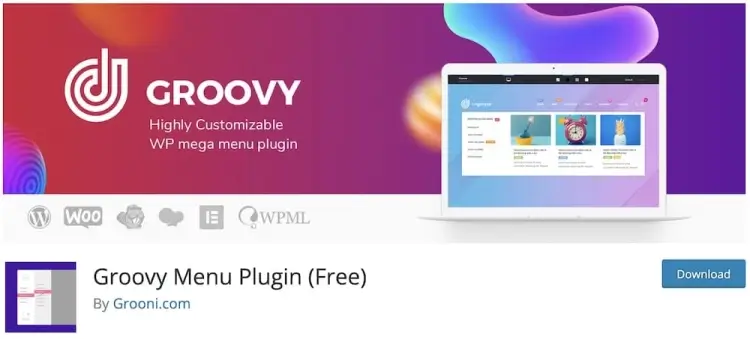
The free version of Groovy Mega Menu delivers an impressive range of features for those just getting started with mega menu design. Fully responsive and WPML-ready, it ensures compatibility across devices and languages. Users can easily preview changes before publishing, and modify layouts and color schemes without writing any code.
With 7,000+ active installations and a 4.1/5 rating, Groovy Free offers a generous toolkit that rivals some paid plugins. Features like AJAX cart support and multi-level menu options make it a practical solution for small business websites and online stores. It strikes a strong balance between simplicity and functionality.
Ideal for those on a budget, Groovy Free provides core mega menu capabilities at no cost. Its user-friendly interface and compatibility with major WordPress themes make it a strong starting point for any site owner looking to improve navigation and user engagement without financial risk.
Groovy Mega Menu features:
- Fully responsive and WPML compatible
- AJAX cart support and multi-level menu options
- User-friendly preview and layout customization
- Basic drag-and-drop functionality without coding
- Suitable for small businesses and beginner site owners
4. WP Mega Menu
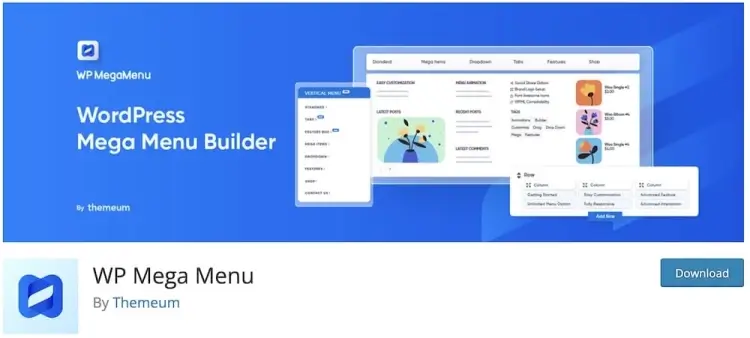
WP Mega Menu makes it easy to design rich, functional menus with its intuitive drag-and-drop interface. Users can create unlimited menu styles using a wide selection of fonts, background options, and layout tools. The plugin also allows the integration of social icons, encouraging community growth directly from your menu bar.
With over 10,000 installations and a solid 4.3/5 rating, WP Mega Menu has become a favorite for beginner-friendly customization. Its fast setup and accessible support mean you can have a fully functional mega menu up and running in just a few minutes, without needing any design or coding experience.
Since it’s free, WP Mega Menu is especially appealing to bloggers, small businesses, and new site owners. Despite its no-cost entry point, it offers enough design flexibility to match many premium solutions—making it an ideal first step into the world of professional navigation systems.
WP Mega Menu features:
- Intuitive drag-and-drop menu builder with live previews
- Unlimited menu styles with fonts, colors, and background controls
- Social icon integration within menus for community engagement
- Mobile-responsive menus optimized for all screen sizes
- Quick setup without needing design or coding skills
5. Max Mega Menu
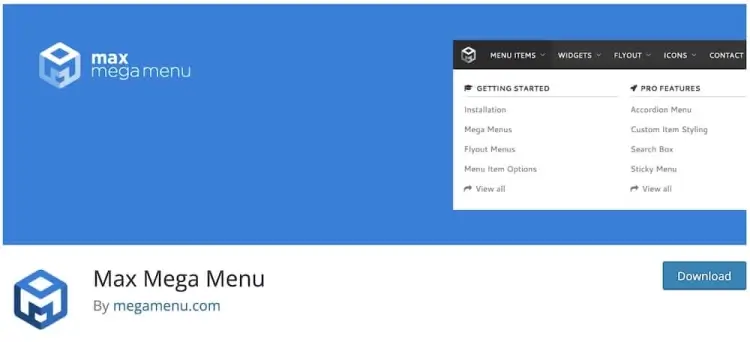
Max Mega Menu is one of the most widely used free plugins in the WordPress repository, with over 400,000 active installations and an impressive 4.7/5 rating. It automatically converts your standard WordPress menus into fully functional mega menus. From dropdown animations to advanced accessibility features like keyboard navigation, this plugin is loaded with options.
Its standout feature is the custom theme editor, allowing you to style menus with granular control. You can assign widgets, organize complex category structures, and configure transitions without touching code. It’s also responsive out of the box, providing optimal performance across desktops, tablets, and smartphones.
Max Mega Menu is the perfect choice for users who want robust functionality without the cost. Whether you’re building a content-heavy blog, eCommerce store, or community portal, this plugin will enhance your site’s usability while keeping load times and complexity low.
Max Mega Menu features:
- Automatic conversion of standard menus into mega menus
- Advanced accessibility including keyboard navigation support
- Custom theme editor with granular styling controls
- Widget-friendly menu areas for complex content arrangements
- Fully responsive design ensuring seamless mobile experience
6. QuadMenu
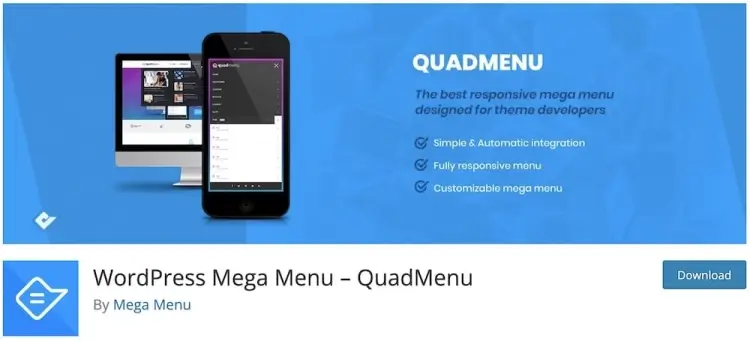
QuadMenu brings a modern and responsive approach to mega menu design with its drag-and-drop builder, making it easy to add widgets, columns, and other content elements. It supports horizontal, vertical, off-canvas, and collapsible layouts—giving you maximum flexibility for mobile-first designs and creative navigation schemes.
With 20,000+ active installations and a 4.6/5 rating, QuadMenu has gained popularity thanks to its seamless support for child themes and compatibility with WooCommerce. Whether you’re a novice or an experienced developer, the plugin makes it easy to implement complex menus without breaking site structure or performance.
QuadMenu’s diverse layout options allow you to create an engaging user experience across all device types. It’s particularly well-suited for dynamic sites that need adaptable, stylish navigation—making it an ideal choice for agencies, bloggers, and businesses alike.
QuadMenu features:
- Drag-and-drop builder supporting widgets, columns, and content blocks
- Multiple menu layouts: horizontal, vertical, off-canvas, and collapsible
- WooCommerce compatibility for seamless eCommerce integration
- Supports child themes and extensive developer-friendly options
- Mobile-first design with responsive and touch-friendly navigation
FAQ
1. Can mega menu plugins slow down my website?
If poorly coded, yes. However, the plugins reviewed here are optimized for performance and designed to minimize impact on load times.
2. Are mega menus SEO-friendly?
Yes. Properly structured menus improve site architecture and internal linking, which can positively influence SEO.
3. Can I use mega menus with my existing theme?
Most top plugins are compatible with popular themes, but testing on a staging environment is recommended to avoid conflicts.
4. Do these plugins support touch devices?
Absolutely. Responsive design and touch-friendly navigation are standard features in quality mega menu plugins.
5. How difficult is it to customize mega menus without coding?
Many plugins include user-friendly interfaces and live previews, enabling extensive customization without touching any code.
Conclusion
Implementing a mega menu on your WordPress site can significantly improve navigation and user engagement, especially for content-rich websites. From feature-packed premium options like UberMenu and Groovy Mega Menu to powerful free solutions like Max Mega Menu, there’s a plugin suited for every budget and level of expertise.
By focusing on responsiveness, customization flexibility, and seamless integration, the plugins reviewed here help you create an intuitive and attractive navigation system. Investing in the right mega menu tool will enhance user experience, reduce bounce rates, and keep visitors exploring your content longer.